Editable Canva Weekly Planner Templates for Productivity
There is a distinct satisfaction in crossing off a finished task, but the friction of actually setting up that system often stops us before we begin. I have seen too many clients and colleagues spend hours trying to build a planning system from scratch, wrestling with text boxes in design software rather than focusing on their actual goals. If you are managing a brand, running a small business, or simply trying to keep a household organized, the "blank canvas" syndrome is a real productivity killer. This is exactly why integrating Editable Canva Weekly Planner Templates into your workflow changes the game. They bridge the gap between chaotic to-do lists and a cohesive organizational system, providing the structure you need without demanding hours of design work.
Beyond the Grid: The Personality of Your Planner
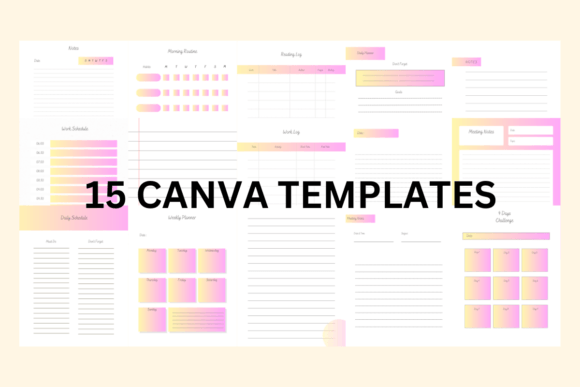
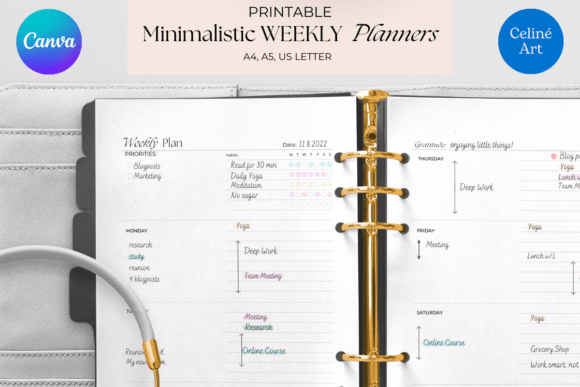
When we talk about design assets, we often focus on the visual hierarchy, but with a weekly planner, the personality of the design dictates how you interact with your week. These templates are not just grids with dates; they are carefully constructed layouts designed to bring a sense of calm to your schedule. The visual characteristics lean toward a balanced aesthetic—clean lines combined with ample white space allow your eyes to rest, while strategic pops of color guide your attention to high-priority items.
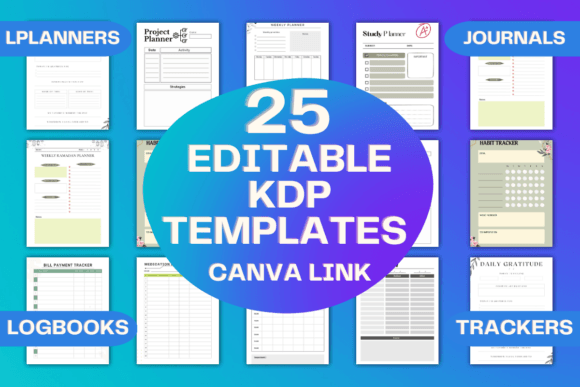
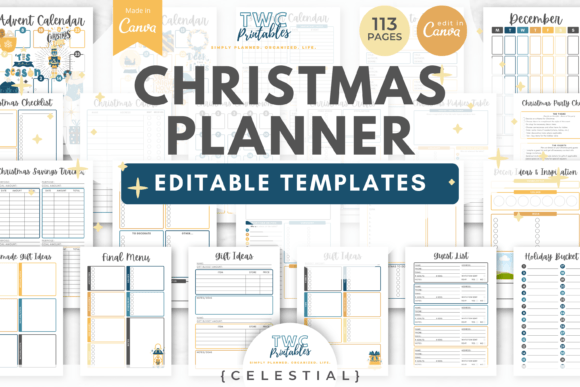
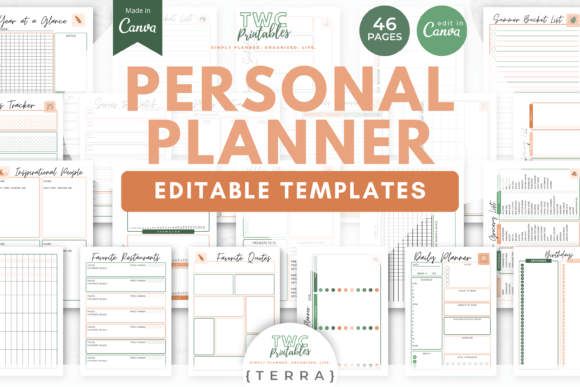
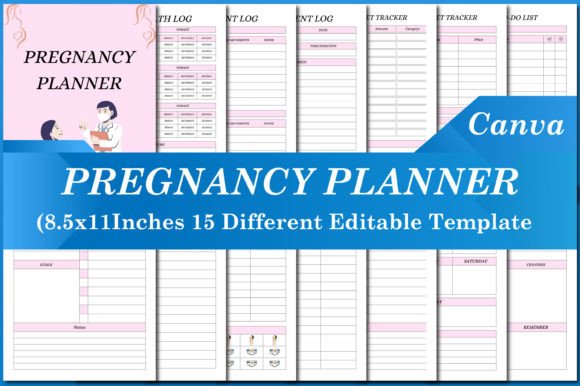
The style is distinctly modern yet approachable. We avoid overly rigid, corporate-feeling structures in favor of layouts that feel human. Whether you are using a minimalist design with sans serif typography for a tech startup vibe or a softer layout with script accents for a lifestyle blog, the templates adapt to your mood. The overall appeal lies in their versatility. They serve as a canvas for your content, not a distraction from it. For the entrepreneur, this means a professional look that can be printed and placed on a desk or kept digital on a tablet. For the hobbyist, it means a beautiful space to track creative projects. The four distinct designs included in the set ensure that your planning tool feels fresh every month, preventing visual fatigue and keeping you engaged with your goals.
Tailoring the Size to Your Specific Needs
One of the most practical aspects of these templates is the realization that one size rarely fits all in the world of planning. A marketing manager might need a large visual overview of the week, while a busy student or a small business owner on the go might need something that fits into a specific binder or planner cover. This is why the availability of three specific sizes—Letter Size (8.5’’ x 11’’), A4 (8.3’’ x 11.7’’), and A5 (5.8’’ x 8.3’’)—is a critical feature for serious users.
The Letter Size is the standard for North American printing. It offers maximum real estate, making it ideal for detailed project management, editorial calendars, or family command centers where multiple people need to write on the same page. The A4 format is the international standard and is perfect for those who prefer a slightly taller, narrower aesthetic, commonly used in professional business environments. However, the A5 size has become increasingly popular for its portability. It is the sweet spot for digital planning on iPads or for creating compact, tangible planners that don't take up too much desk space. Choosing the right size is the first step in ensuring your planner actually gets used. If your planner is too bulky, it stays in a drawer; if it’s too small, it feels cramped. By offering these variations, the templates ensure that your organizational tool fits seamlessly into your physical or digital environment.
The Power of Customization in Branding
For designers, marketers, and content creators, a planner is more than just a schedule—it can be a touchpoint for your brand identity. Imagine opening your planner every Monday morning and seeing your specific brand colors, your chosen typeface, and your logo. It reinforces who you are and what you are working toward. The true value of these Editable Canva Weekly Planner Templates lies in their deep integration with Canva’s editing capabilities. You are not locked into the designer's original color palette.
You can easily swap out the hex codes to match your brand guidelines. If your brand uses a specific modern serif font for headers and a clean sans serif for body text, you can apply that typography directly within the editor. This creates a cohesive ecosystem for your business. If you are a content creator, you can design your weekly plan in the same visual language as your social media graphics and web design. This consistency builds recognition and professionalism. Furthermore, the ability to change fonts allows you to control the visual hierarchy of your week. You can bold your "Big Rocks" (the most important tasks) and use a lighter weight for routine errands, making the document scannable at a glance. This is practical typography in action—using design to solve real-world organizational problems.
Practical Applications for Business and Life
The versatility of these templates extends far beyond simple appointment tracking. Let’s look at how different audiences can leverage this tool for maximum efficiency.
For the Small Business Owner, the planner becomes a centralized dashboard. You can dedicate one section to content marketing tasks, another to client deliverables, and a third to administrative duties. Because the files are editable, you can duplicate pages and create a master template that you reuse week after week, ensuring nothing falls through the cracks.
For Publishers and Bloggers, the weekly view is essential for editorial design. You can map out your publishing schedule, noting when drafts are due, when editing happens, and when the final post goes live. This visual flow helps in managing a content pipeline effectively. You might even use one of the four designs exclusively for your "Ideation" phase and another for "Execution," mentally separating the creative process from the operational one.
Even for personal use, the impact is significant. Use it to meal prep, track fitness goals, or manage a household renovation project. The fact that you can print these or use them digitally means you can share them. A family could print a large A4 version for the fridge, while a couple might share a digital A5 version on their phones to sync schedules. The design elements—checkboxes, date headers, and note sections—are structured to accommodate various types of information, from quick bullet points to detailed notes.
Evaluating Fit and Ensuring Readability
When you download a design asset, it is tempting to use it immediately, but a quick evaluation ensures it fits your project. First, consider the visual hierarchy. Does the template make it easy to distinguish between the days of the week and the specific tasks? A well-designed planner uses contrast—perhaps bold headers for the days and lighter text for the content—to guide your eye. If the design is too "busy" or uses overly decorative script fonts for the body text, it might look beautiful but fail the readability test when you are trying to jot down a quick note.
Next, look at the font pairing included in the original design. Good templates usually pair a display font or a serif font for headers with a legible sans serif or modern typography style for the body. If you plan to customize the colors, ensure you maintain enough contrast between the text and the background to keep it accessible. A light grey text on a white background might look chic, but it can be difficult to read under poor lighting conditions.
Finally, consider the commercial licensing. If you are a business owner or a designer creating planners for clients, you need to ensure the assets you are using are cleared for commercial use. High-quality premium font assets and templates usually come with clear licensing terms that allow for this flexibility. By taking these few minutes to evaluate the fit, readability, and legalities, you ensure that your new planning system is not only beautiful but also functional and professional. These Editable Canva Weekly Planner Templates are designed to be the backbone of your organization, helping you move from intention to action with style and efficiency.